Architecture
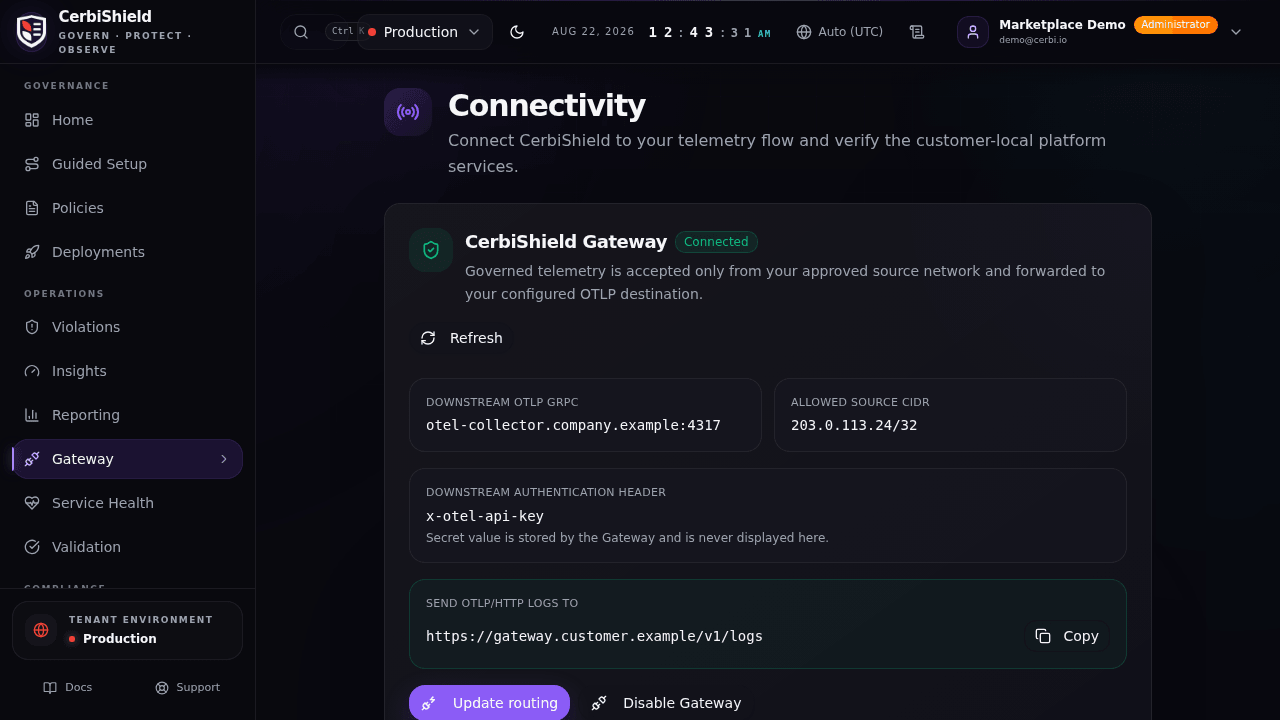
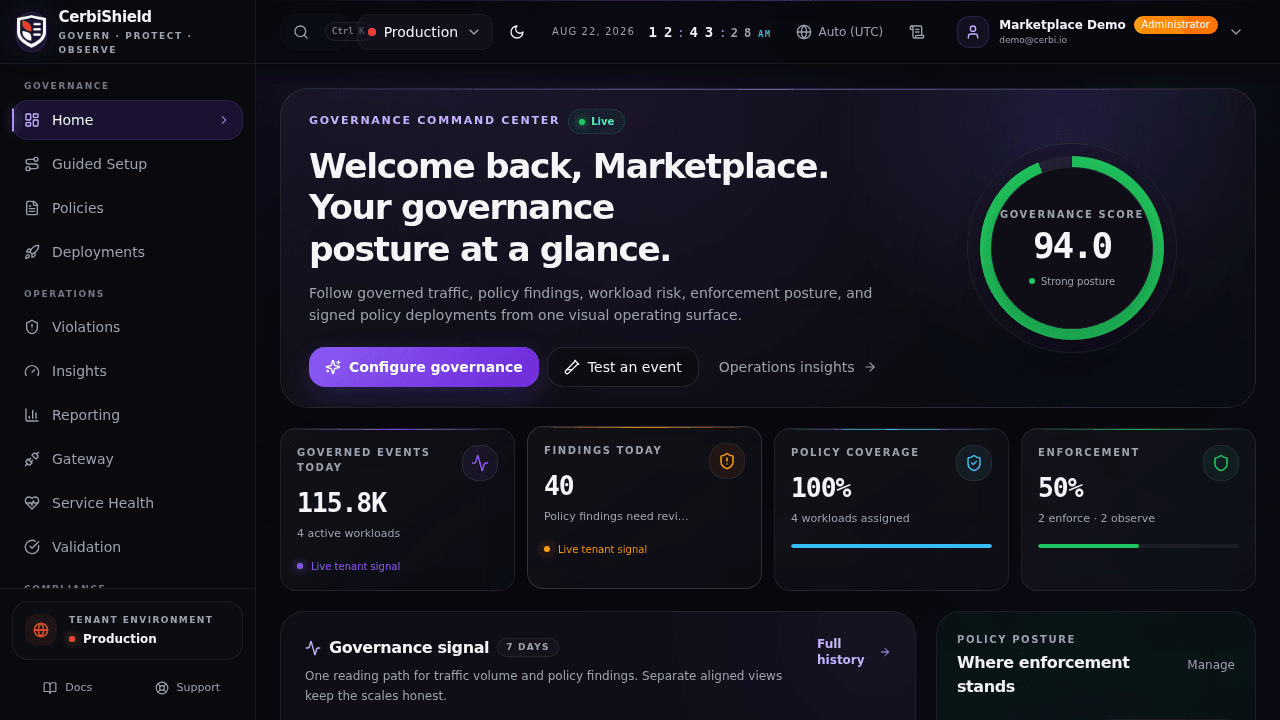
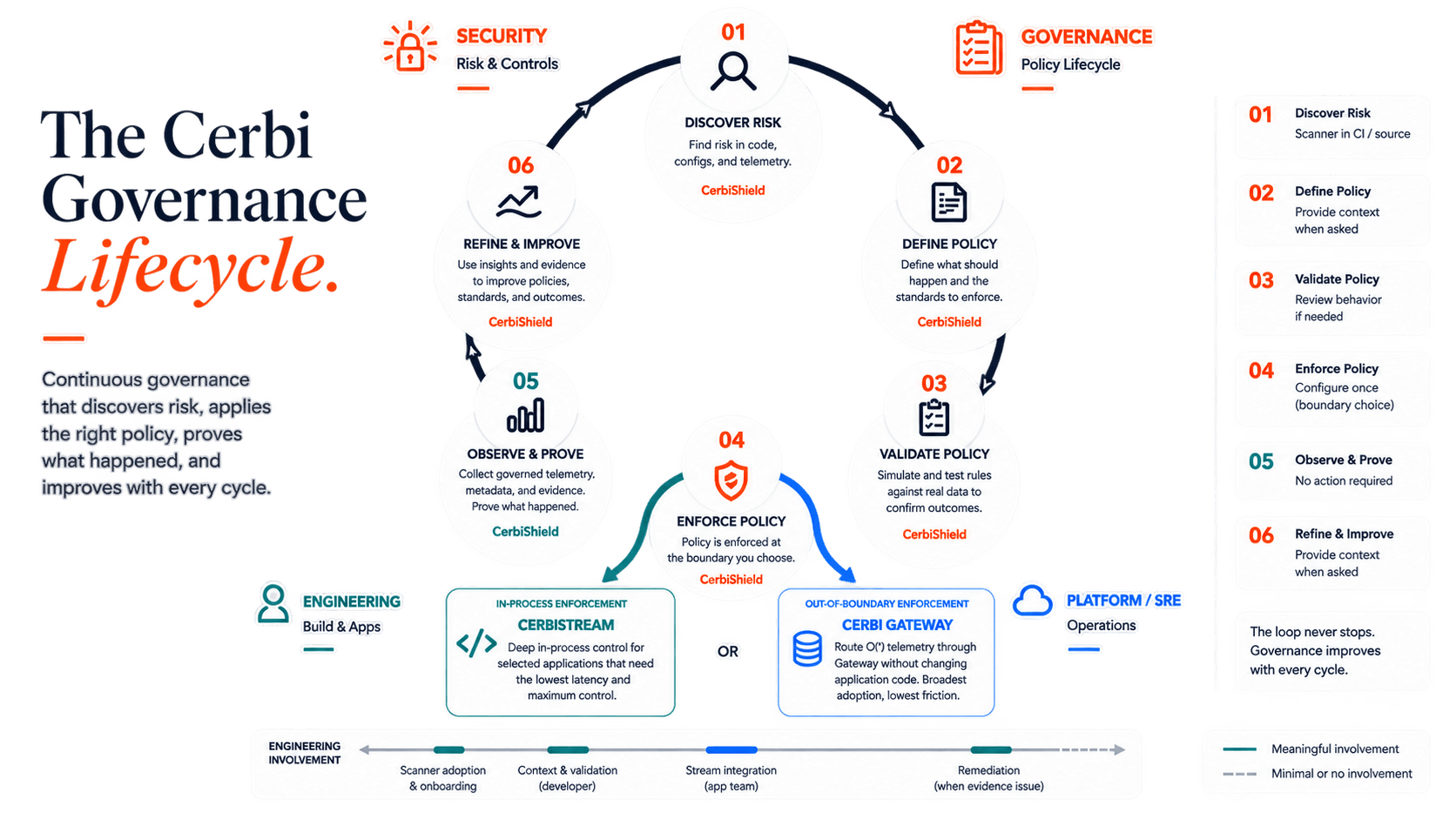
CerbiSuite operates at three layers: build time, runtime, and dashboard. Each layer provides distinct governance capabilities while your pipeline remains unchanged.
Deployment & Licensing Truth
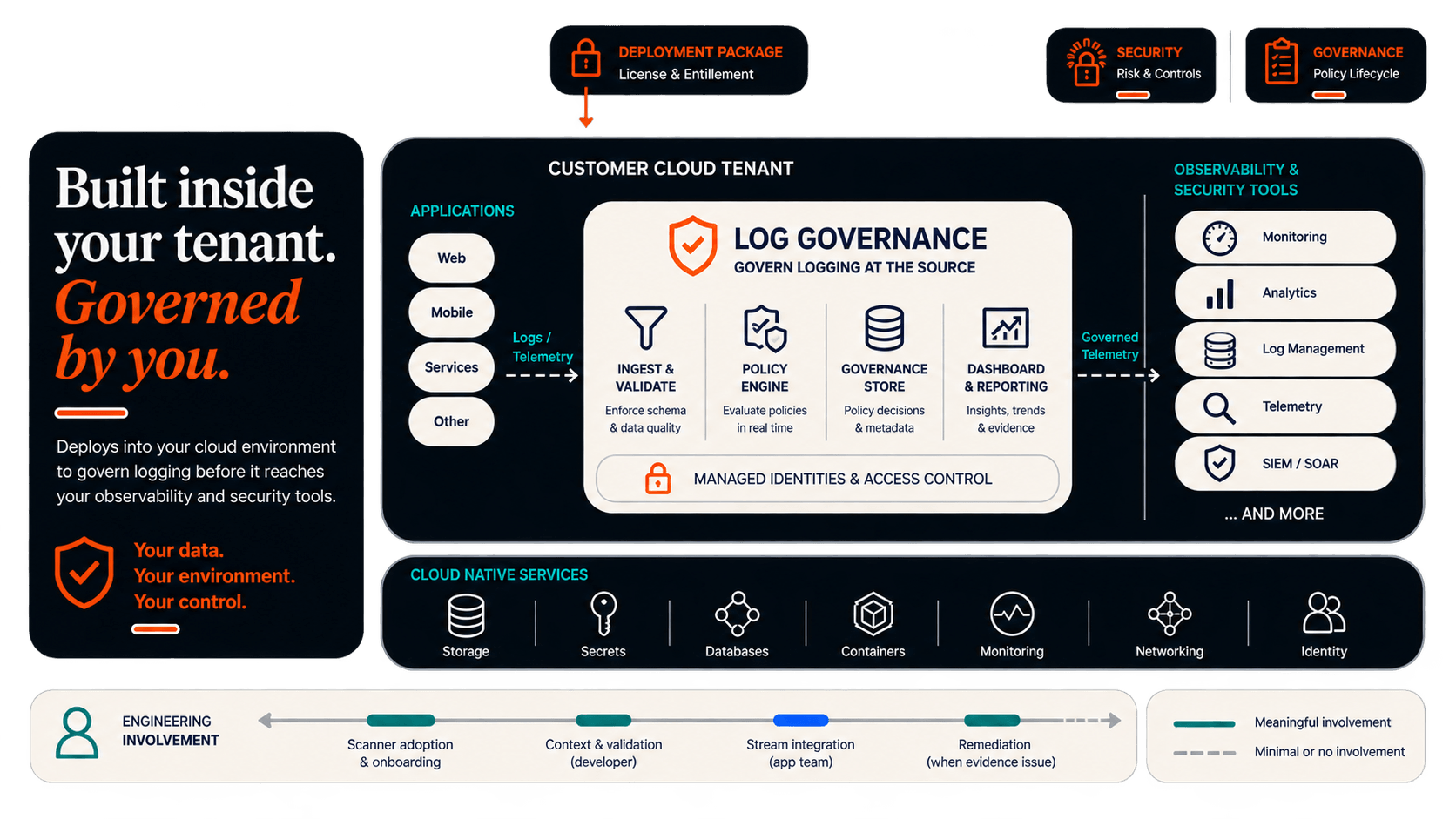
CerbiShield and the governance control plane are deployed entirely in your tenant. Your log data never leaves your infrastructure.
Licensing counts governed applications, not environments. One app across dev/test/uat/stage/prod counts as a single governed application.
Architecture Diagrams
Explore different views of the Cerbi architecture

Runtime Flow
How logs flow from developer code through Cerbi governance to destinations
Governance Integrations
Governance only works if it shows up where logs are actually written. CerbiShield integrates directly with existing logging frameworks. No forks, no rewrites, no new logging APIs to learn.
Available Now
Production-ready governance for .NET
Structured event governance via sinks and enrichers
First-class governance for default ASP.NET Core logging
Runtime governance through native targets and filters
All available integrations support structured field inspection, governance violation tagging, and optional redaction based on Cerbi governance profiles.
What's Next
Extending governance across runtimes
CerbiShield is built to extend governance consistently across ecosystems using each platform's native logger extension model.
- •Logback (SLF4J)
- •Log4j2
- •Pino
- •Winston
- •slog
- •zap
Roadmap subject to change. Capabilities may vary by platform.
Runtime Data Flow
Designed for Performance
CerbiStream governance runs in-process with optional async buffering and queuing to reduce request-path impact. In microbenchmarks, overhead is typically sub-microsecond per event (excluding network I/O and destination sink costs). Results vary by profile, redaction rules, and workload.
See benchmark resultsBenchmarks are indicative and exclude downstream sink and network costs. Real-world performance varies by configuration and environment.
Compliance references describe logging-control alignment and audit evidence support; they are not compliance certification.